

How to Make Safe Payments Through QR Code with YONO SBI - Yono















How to Make Safe Payments Through QR Code with YONO SBI
18 Jul, 2026
cybersecurity

A decade ago, paying a vegetable vendor meant counting out coins and hunting for change. Today you can point your phone at a small black-and-white square and the money moves in seconds. QR code payment has quietly become the way India pays, at the chaiwala, the pharmacy, the petrol pump and everywhere in between.
The number of UPI users have been increasing at a very fast pace and with this kind of scale it is convenient for fraudsters to manipulate and create scams around it. The good news is that a QR code is safe to use once you understand one simple rule about how it actually works. This guide walks you through how QR code payment works, how to scan and pay on YONO SBI, the QR code frauds doing the rounds and what to do if a payment ever goes wrong.
How QR Code Payments Work
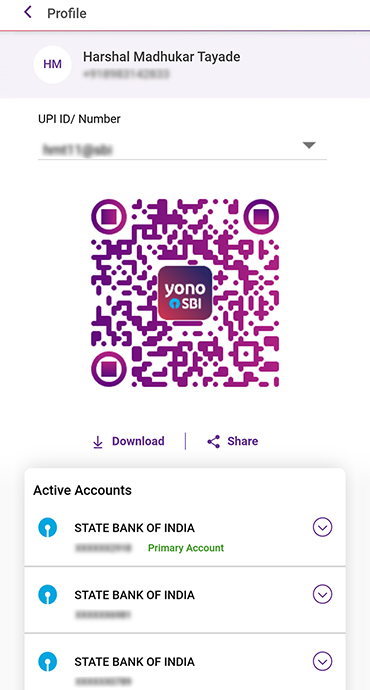
A QR code is simply a machine-readable version of someone's UPI ID. When you scan a merchant's QR code, your app reads their payment address and opens a screen showing their name and a box for the amount. You enter the amount, check the name and approve with your UPI PIN. The money goes from your account to theirs.
Here is the one rule worth remembering above everything else: your UPI PIN is needed only to send money. You never enter a PIN and you never scan any code, to receive money. Anything owed to you lands in your account on its own. So if a person ever asks you to scan a code or punch in your PIN “to collect your refund” or “to receive your prize,” that single instruction is the entire scam.
You will come across two kinds of QR code to pay. A static QR is the printed sticker taped near a shop counter, where you type the amount yourself. A dynamic QR is generated fresh for one transaction, often with the amount already filled in, like the one a delivery rider shows you.
Step-by-Step: Making a Payment via YONO
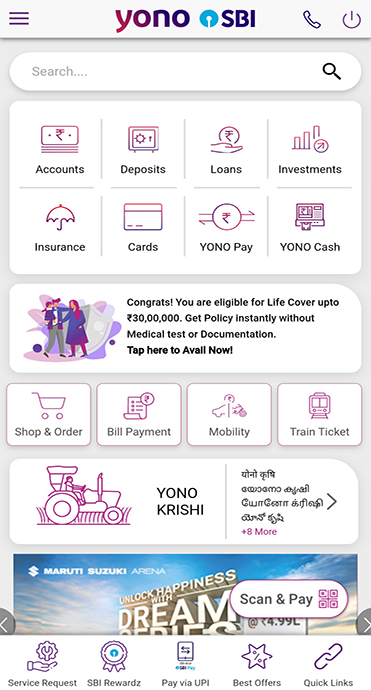
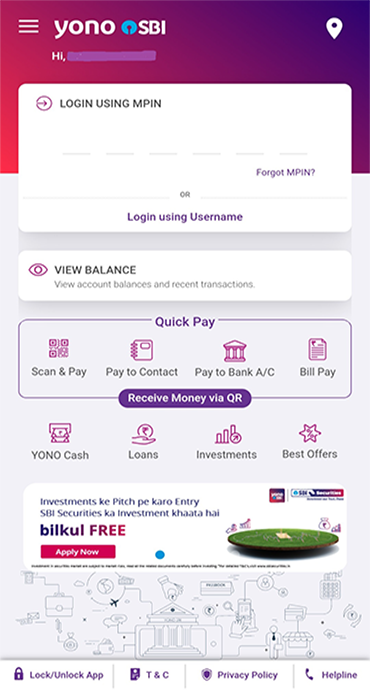
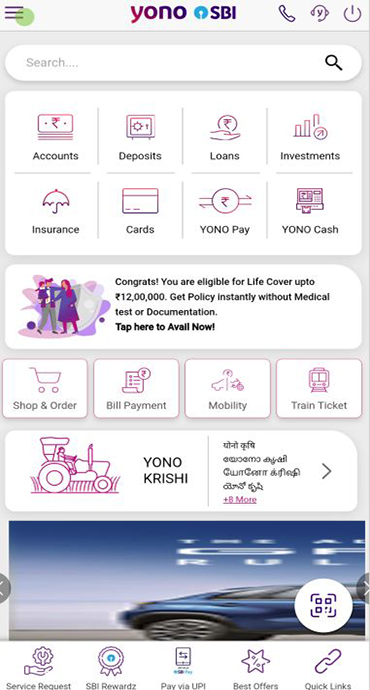
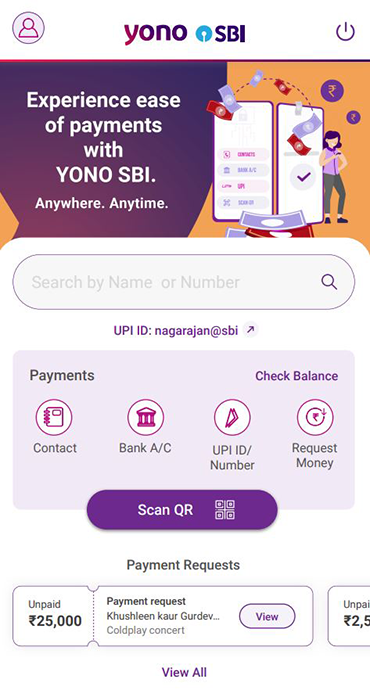
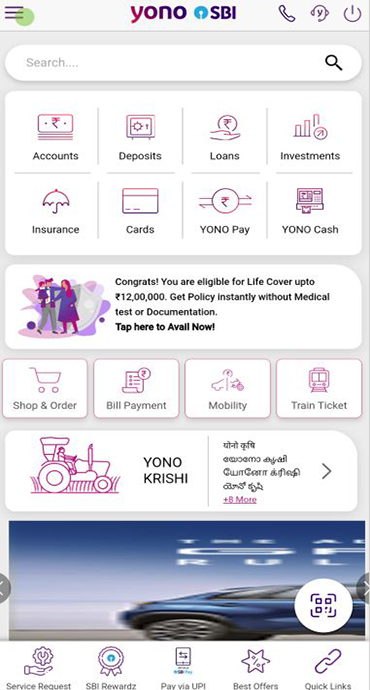
Paying on YONO SBI takes only a few taps. Here is how to scan QR code to pay safely:
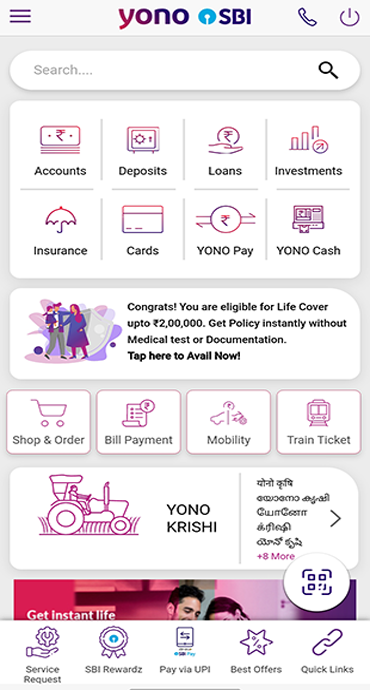
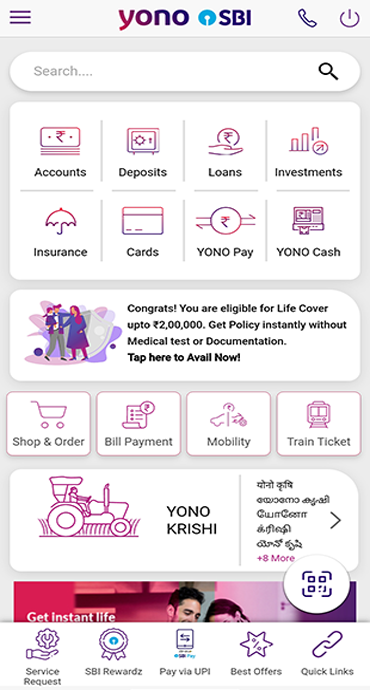
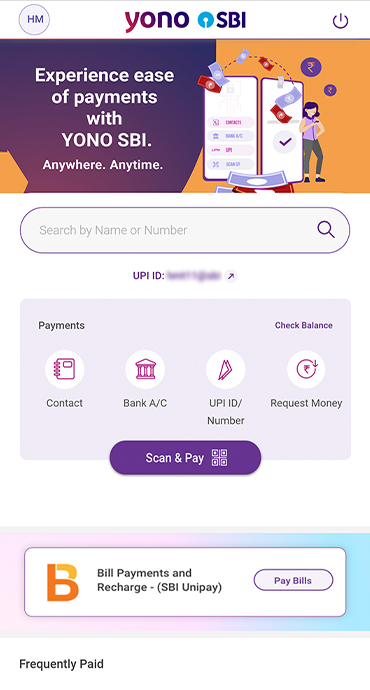
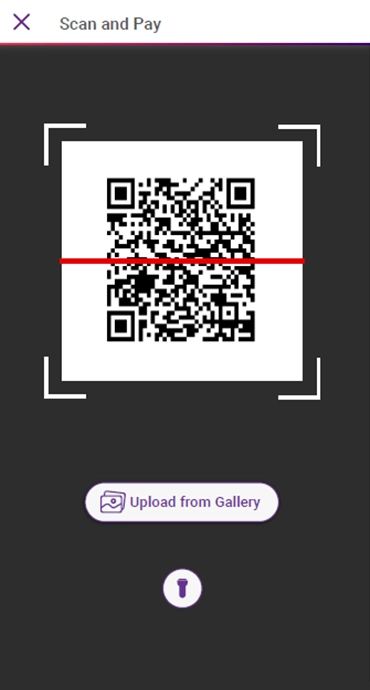
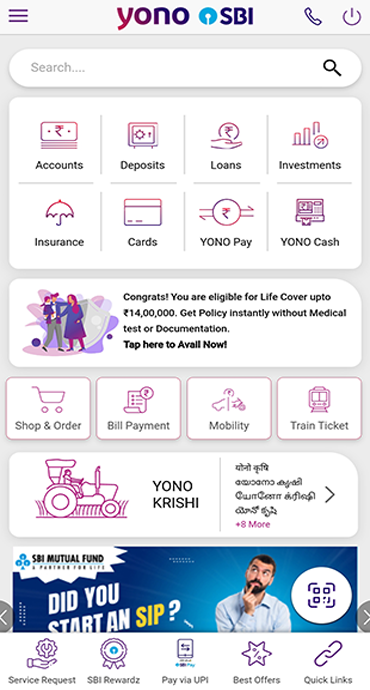
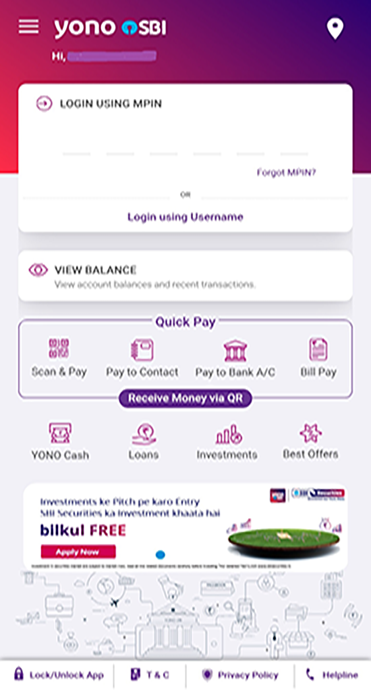
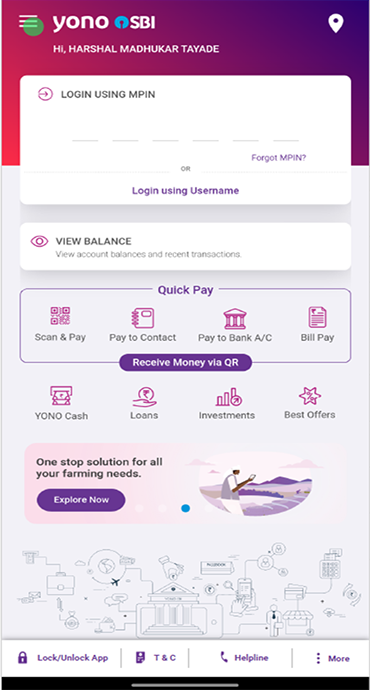
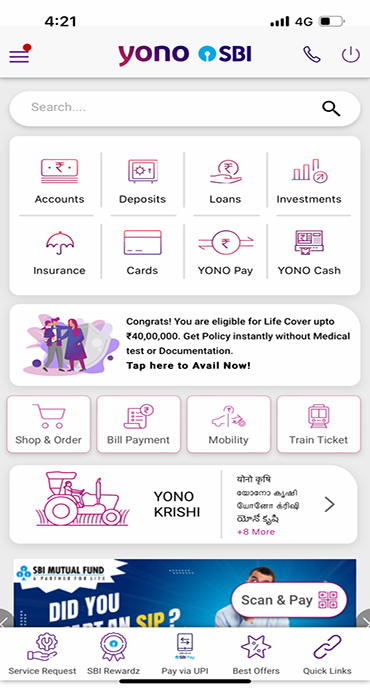
- Open the YONO SBI app and tap Scan and Pay.
- Point your camera at the QR code and hold steady until it reads.
- Check the receiver's name that appears on screen. Make sure it is the shop or person you actually mean to pay.
- Enter the amount if it is not already filled in and double-check the figure.
- Enter your UPI PIN to confirm. You will get an instant confirmation along with an SMS or app alert.
If the name on the screen does not match the person or shop in front of you, stop right there. It is always better to pause than to pay first and ask questions later. YONO SBI also lets you pay a saved contact, send money to a phone number or request money which is handy when there is no code to scan at all.
Common QR Code Frauds to Watch Out For
Examples are given below:
The “scan to receive money” trap:
You sell something online and the “buyer” sends you a QR code or asks for your PIN to “transfer” the payment. Scanning it pays them instead. Remember, receiving money never needs a scan or a PIN.
Stickered-over QR codes:
A fraudster pastes their own code on top of a genuine one at a stall or parking lot, so your payment quietly lands in the wrong account. A quick name-check on screen catches this every time.
Quishing or phishing through QR:
A code on a poster, email or parking ticket sends you to a fake website that asks for your card or login details. Scan codes only from sources you trust.
The “urgent buyer” on marketplaces:
On resale and marketplace sites, a "buyer" may offer more than your asking price and then hurry you into scanning a code to "receive" the payment the rush is the warning sign. Anyone genuine will wait while you check what you are actually approving.
What SBI Does To Keep You Safe
You are not in this alone. A few safety checks are built into UPI and the YONO SBI app, working quietly in the background every time you pay. Here is what is protecting you:
Name confirmation:
Before a payment goes through, the receiver's name shows on your screen, so that you can check whether you are paying the right person.
PIN lock:
Every payment needs your UPI PIN and the YONO SBI app stays locked on your phone.
Instant alerts:
You get an SMS and an app notification the moment money leaves your account, so nothing slips by unnoticed.
And one rule worth memorising: SBI will never ask for your UPI PIN, OTP, CVV or password. Not by call, not by SMS, not by email, and never through a QR code. If someone asks, they are not from SBI, however convincing they sound.
Quick Dos and Don'ts
Do:
- Check the receiver's name on screen every single time before you tap confirm.
- Pay only when you are the one scanning or starting the payment.
- Keep the YONO SBI app and your phone software updated.
- Turn on transaction alerts and glance at them.
- Report anything that feels unusual straight away.
Don't:
- Never scan a code or enter your PIN to receive money. There is no exception to this.
- Don't scan codes from strangers, random posters, or “refund” messages.
- Don't share your PIN, OTP or CVV with anyone, including a caller claiming to be from the bank.
- Don't let anyone rush you. A real payment can wait the ten seconds it takes to check.
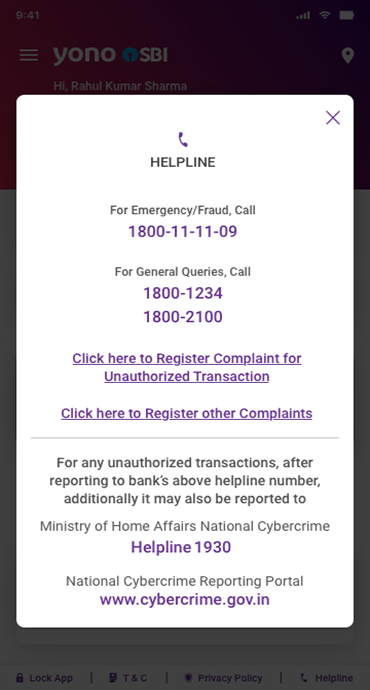
If something does go wrong, act fast. Call SBI on 1800 1234 or 1800 2100, report on the national cybercrime helpline 1930 or at https://cybercrime.gov.in/ and forward phishing emails to report.phishing@sbi.co.in. The sooner you report an unauthorised transaction, the better protected you are. RBI's customer-protection rules reward quick reporting, and money flagged early is far easier to trace.
Conclusion
Payment through QR code is honestly one of the fastest and safest ways to pay, as long as you keep the basics in mind. Scan only codes you trust, read the name before you approve, and remember that no genuine payment ever needs your PIN to land in your account.
Open YONO SBI, head to Scan and Pay, and the next time you are at the counter you will know exactly what to check before you tap confirm.