

All About SBI Debit Card on YONO - Yono
























All About SBI Debit Card on YONO
29 Sep, 2026
debit card

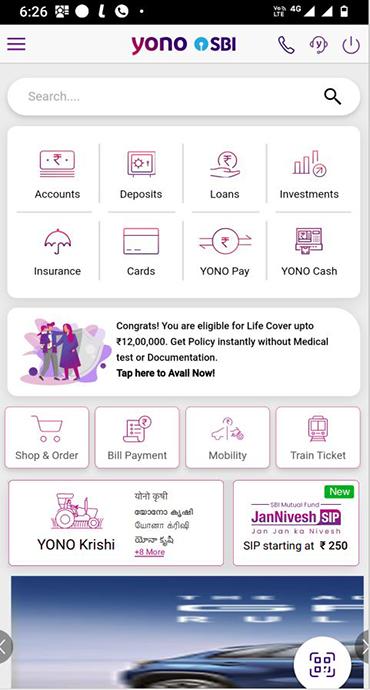
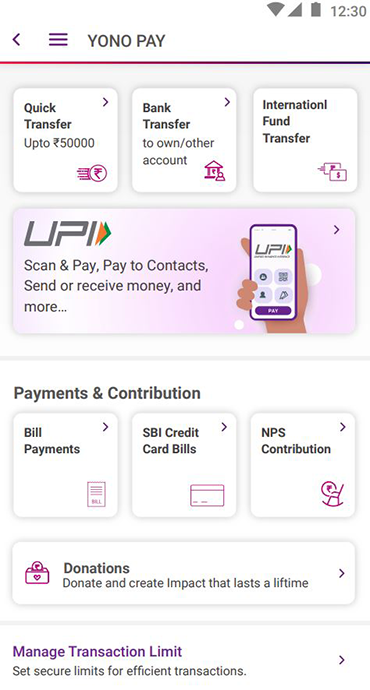
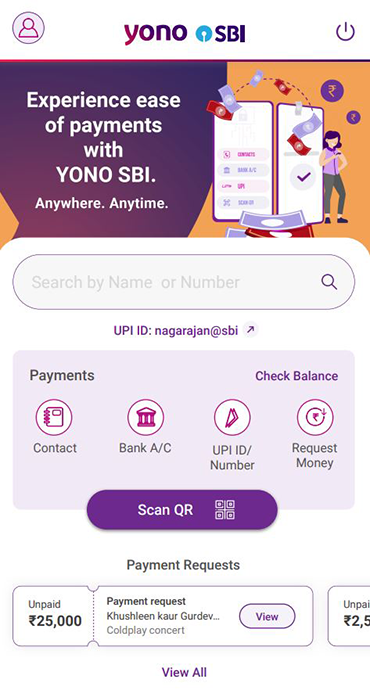
Your SBI Debit Card gives you the freedom to manage how and where you use it. YONO SBI makes it easy to manage your card via transaction settings in YONO. Select SBI Debit Card variants also offer insurance benefits and reward points. Key services available through YONO SBI include:
- Applying for a new debit card
- Blocking a lost or stolen debit card
- Enabling or disabling International transactions
- Managing E-Commerce and Contactless transactions
- Setting or modifying transaction limits for different channels
- Setting or resetting your ATM PIN
Many of these services are also available through SBI Branches, SBI ATMs and Phone Banking. However, YONO offers the convenience of managing your debit card anytime, from your smartphone or through Internet Banking.
How to Apply for an SBI Debit Card through YONO
If you want to apply for an SBI Debit Card through YONO SBI, you can submit your request digitally without visiting a branch, subject to eligibility and applicable terms.
A registered mobile number is important for authentication and OTP-based verification. If your mobile number has changed, update it with bank before initiating the request.
Step-by-Step Process to Apply for an SBI Debit Card on YONO SBI
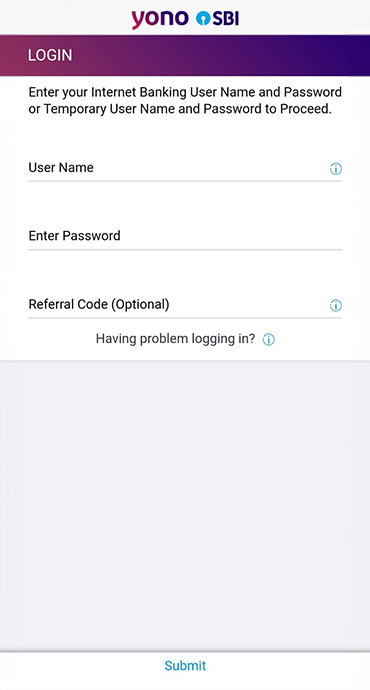
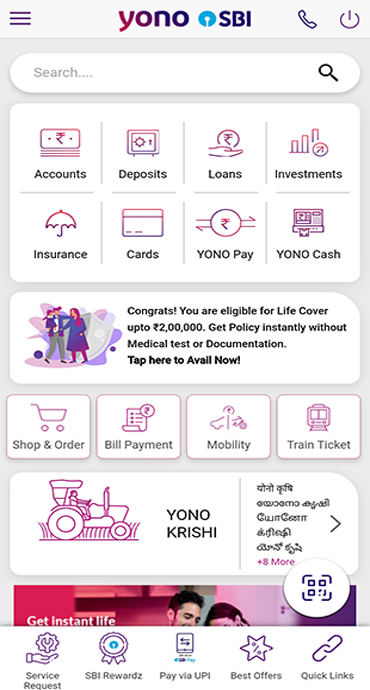
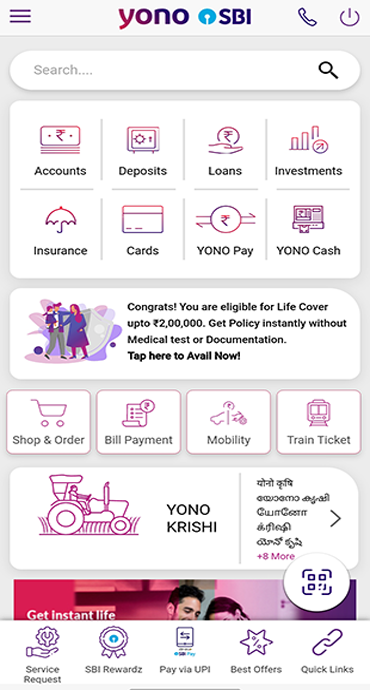
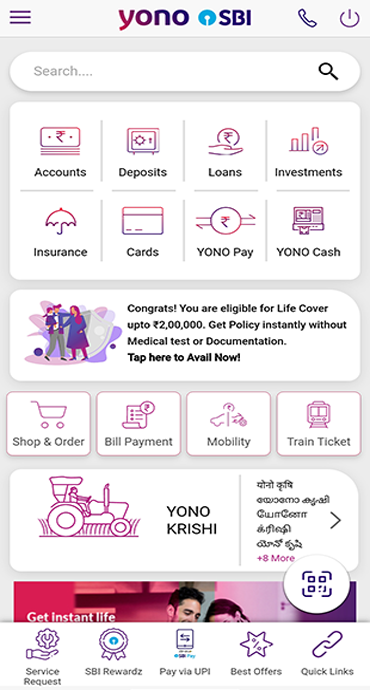
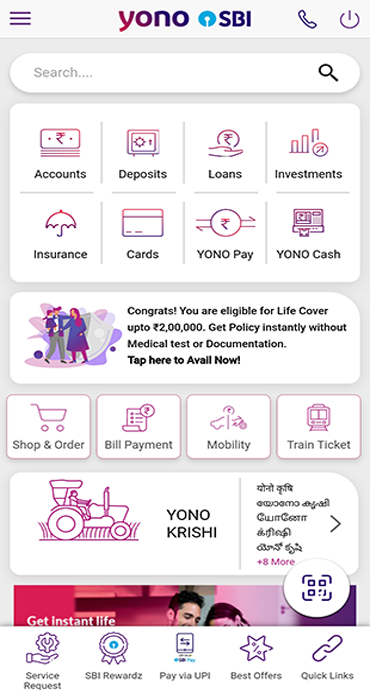
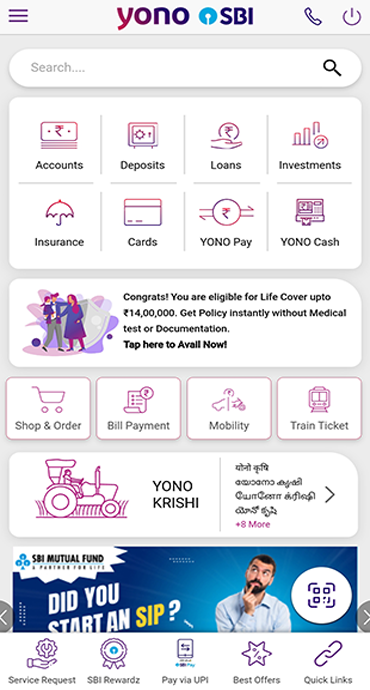
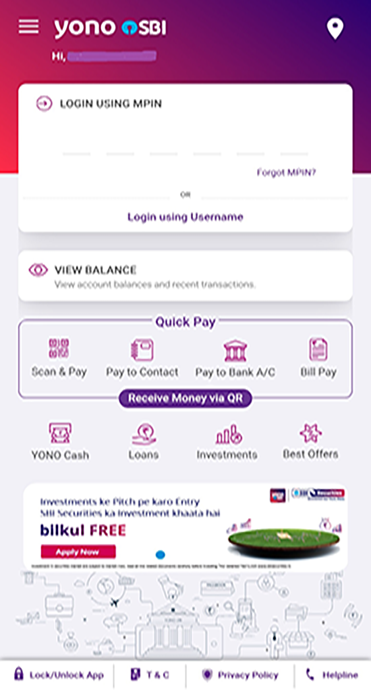
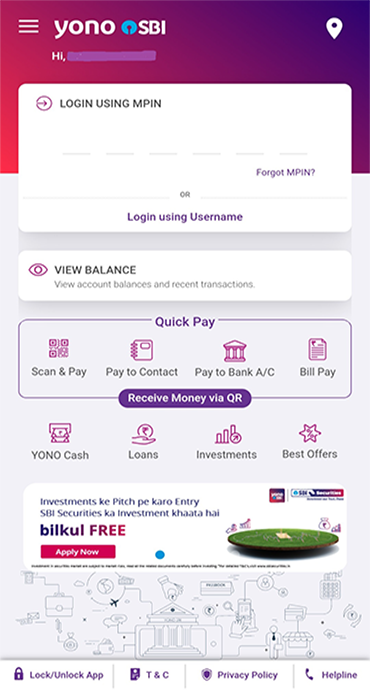
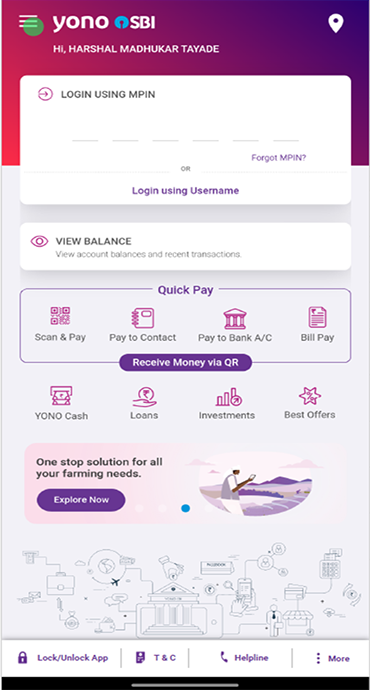
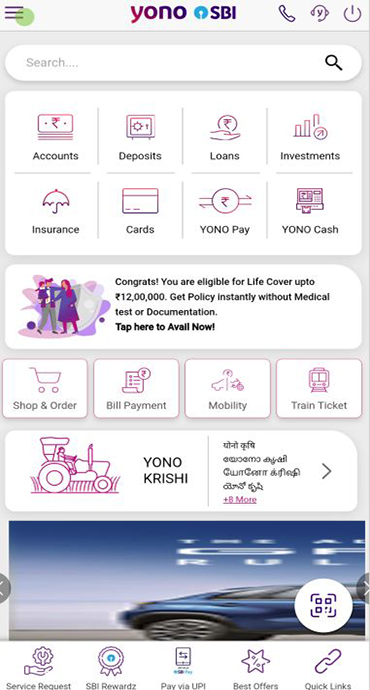
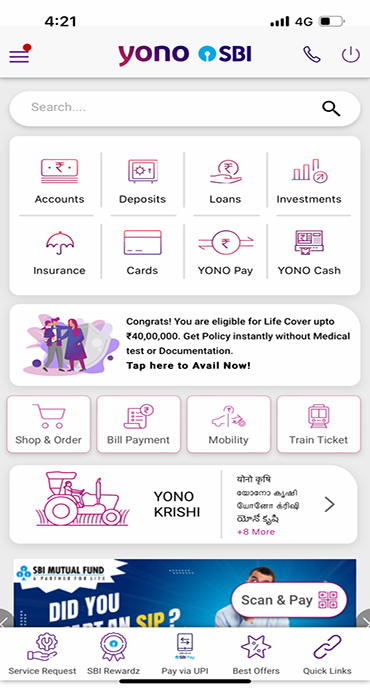
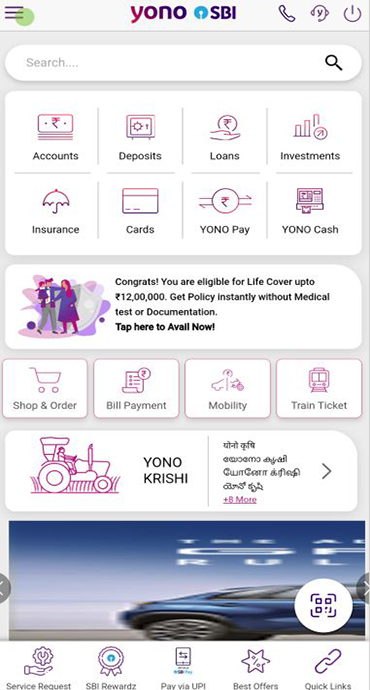
- Log in to the YONO SBI app using your MPIN or Internet Banking credentials.
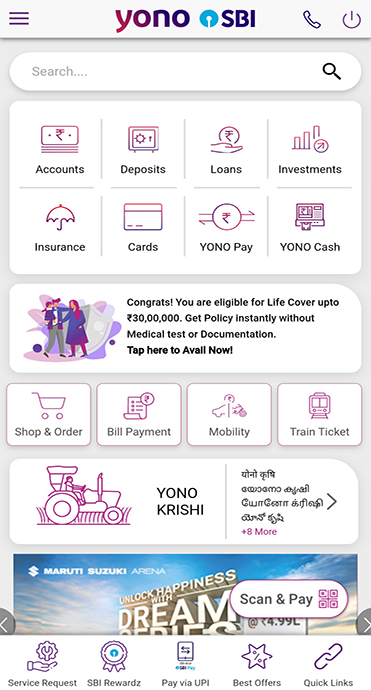
- In Banking Tab, under Cards section click on Debit Cards
- Select Request New Card
- Choose the relevant account and debit card variant.
- Verify your details and delivery address.
- Complete the authentication/OTP process and submit the request.
How to Activate an SBI Debit Card through YONO SBI
When a debit card is issued or reissued, certain transaction channels may not be enabled by default. In particular online, international and contactless transactions may need to be enabled based on the customer's requirements and applicable security controls.
Steps to Enable Debit Card Transactions through YONO
- Open the Cards section and select Debit Cards.
- Select the debit card you want to manage.
- Open Manage.
- Enable or disable the transaction channels you require, such as: E-commerce, International & Contactless
- Authenticate the request using OTP wherever required.
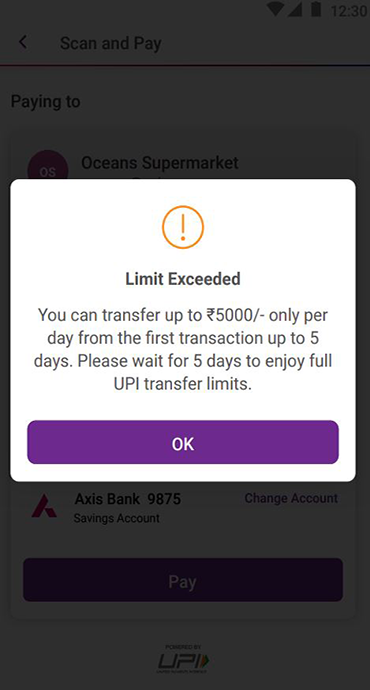
You can also set or modify transaction limits for different debit card channels through YONO, subject to applicable limits and card variant restrictions.
For enhanced security, consider enabling only the transaction channels you need. International transactions, for example, can be disabled when they are not required via YONO.
How to Generate or Reset an SBI Debit Card PIN through YONO
Your debit card PIN is an important security feature, whether you need SBI debit card PIN generation for a new card or want to know how to set SBI debit card PIN online, YONO lets you set or reset your ATM PIN conveniently.
Steps to Set/Reset Your Debit Card PIN
- Log in to the YONO SBI app.
- Go to Banking and select Cards and then Debit Card.
- Select the debit card you want to manage.
- Go to Security and select Set/Reset PIN.
- Enter and confirm your new 4-digit PIN.
- Complete OTP authentication and submit.
Once the request is successfully processed, the new PIN can be used for applicable debit card transactions. The same steps show you how to reset SBI debit card PIN if you want to change from an existing one.
Never share your debit card PIN, OTP, CVV or other confidential card credentials with anyone, including people claiming to represent SBI.
Conclusion
Your debit card is safest and most convenient when you actively manage its settings.
Open YONO SBI -> Cards -> Debit Cards to review your card controls. Set your PIN, enable only the transaction channels you need, and set transaction limits according to your usage.
The next time a debit card transaction does not go through, check your card settings before assuming there is a problem with the card. In many cases, the relevant transaction channel or limit simply needs to be reviewed.
With YONO, managing your SBI Debit Card is simple, convenient and within your control.